Save your DNS zone: a checklist before changing nameservers
Changing the nameservers of your .at domain? First save DNS values, mail records and service responsibilities with this practical preparation checklist.
Read guide ↗Changed nameservers and your .at domain is failing? Understand DNSSEC, DS records and error messages, and prepare a focused technical check.
After a nameserver change, an inconsistent DNSSEC chain of trust can prevent name resolution. An old DS record is one possible cause, but not every outage is DNSSEC. Have the delegation, keys and signatures checked before security data is changed.

You changed the nameservers for your .at domain. The website works over one connection but fails over another. Or the website and email both stop working although the new DNS entries look complete. Start by recording the affected addresses, time and exact error message. Check whether only www is affected or the address without www as well. This pattern warrants diagnosis; it does not prove a DNSSEC problem. Missing entries, unreachable nameservers or an incorrect website assignment are other possible causes. Avoid making several changes at once, because it becomes difficult to identify which change affected the result.
Check the active nameserversDNSSEC adds digital signatures to DNS. A validating DNS service can use them to check whether signed DNS data fits the expected chain of trust. This protects the origin and integrity of that data. It does not create a website or an HTTPS certificate, and does not automatically encrypt your entire internet connection. These distinctions matter during troubleshooting: a browser certificate problem belongs to a different layer from failed DNS resolution. If the name cannot resolve at all, replacing a website file rarely provides a useful diagnosis. Begin with the actual observed error and work through the responsibilities one by one.
Separate DNS from HTTPSFor a signed domain, the zone’s DNSSEC data and its parent delegation must agree. A DS record in the parent zone refers to the domain’s key material. If a new DNS service uses different keys or lacks expected signatures while the parent still refers to the previous configuration, validation can fail. A validating resolver can then return an error instead of the expected address. Copying A, CNAME and MX records alone does not automatically transfer this chain of trust. The DS record must be coordinated at the correct location; adding a similarly named record to an arbitrary local zone is not a substitute.
Understand A and CNAME records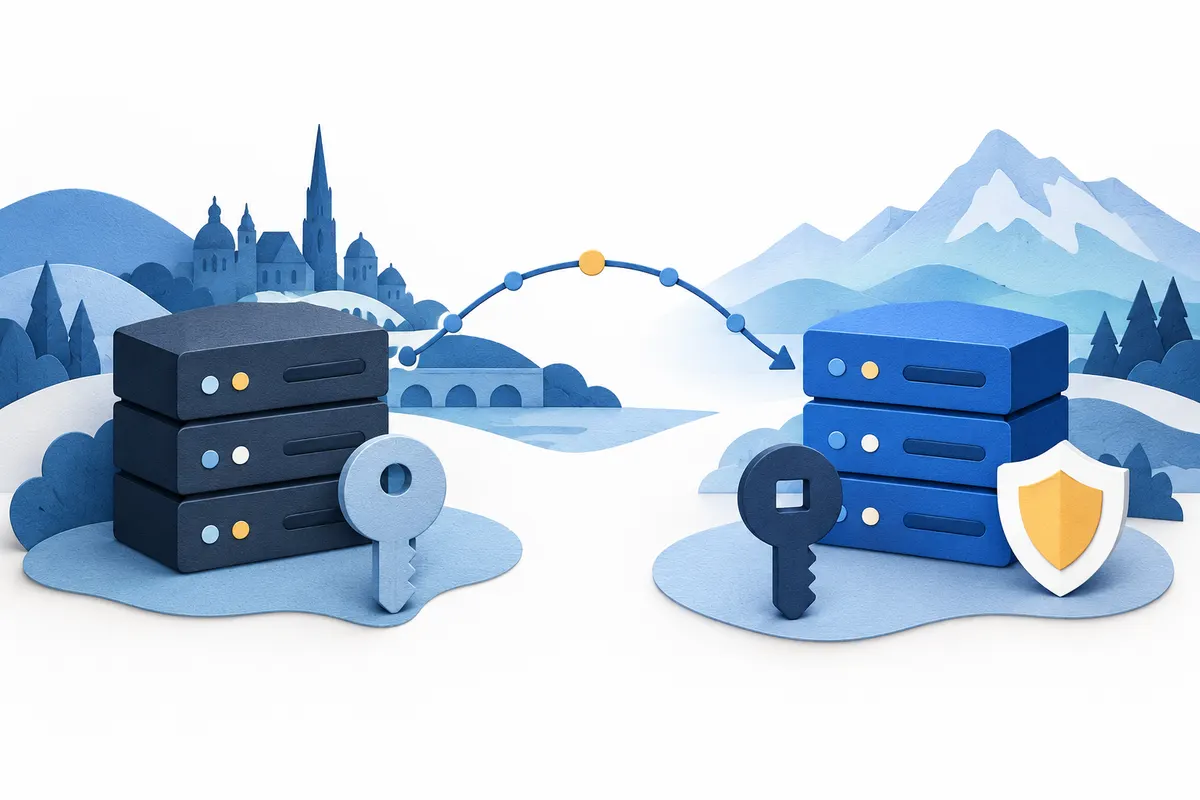
Ask the previous and new DNS contacts about the DNSSEC status and proposed transition. Record which nameservers are active and which will replace them. Also note whether a DS record is published and who is responsible for changing it. Both services saying that they support DNSSEC is insufficient: what matters is the actual transition for your domain. Agree a maintenance window, a responsible person and a fallback plan. Keep the complete DNS inventory somewhere protected. Private keys, passwords and authorisation codes belong neither in public documentation nor in a support ticket. Retain access to the account needed to approve the agreed work.
Back up DNS before a nameserver moveIf the failure is already occurring, send a short description through your account with the domain, affected address, change time and error text. Ask for the active delegation and the relationship between DS, DNSKEY and signatures to be checked. A general SERVFAIL error has several possible causes; by itself it does not confirm a wrong DS record. Establish the cause first. Disabling DNSSEC validation on your own device does not repair an incorrect public configuration for every visitor. Randomly removing security data is not a useful default test either. The responsible technical contact should determine the correct change and sequence for the particular zone.
Get help with your domainAfter a confirmed correction, ask for DNSSEC validation to be checked again. Then open the actual website addresses and check the HTTPS certificate. Separately test existing email addresses for receiving and sending messages. Record each result with its time so it can be compared with the change log. DNS caches may still contain earlier answers, so one successful visit does not always finish the investigation. Agree when to check again based on the cache lifetimes actually involved. A single fixed waiting period for every domain would be inaccurate. Keep the previous settings and fallback plan until the agreed checks have been completed.
Check website and email separately
For your Austrian project, domain registration, DNS, website and email remain separate tasks. With our default nameservers you manage DNS in your account; custom nameservers are also supported. Discuss the DNSSEC procedure with us and your DNS contact before a change. A standard new .at domain currently costs €12.99 total for the first year, with renewal at €15.99 total per additional year. New standard .at domains also offer a three-year package for €39 total. Check the current package conditions and the term shown in your account. Hosting and email mailboxes are not included. Buying another domain does not repair an existing DNS configuration.
Explore .at domains and total prices
Changing the nameservers of your .at domain? First save DNS values, mail records and service responsibilities with this practical preparation checklist.
Read guide ↗
Changed DNS records but your website has not responded? Start by checking which nameservers your .at domain uses and where its active DNS zone is managed.
Read guide ↗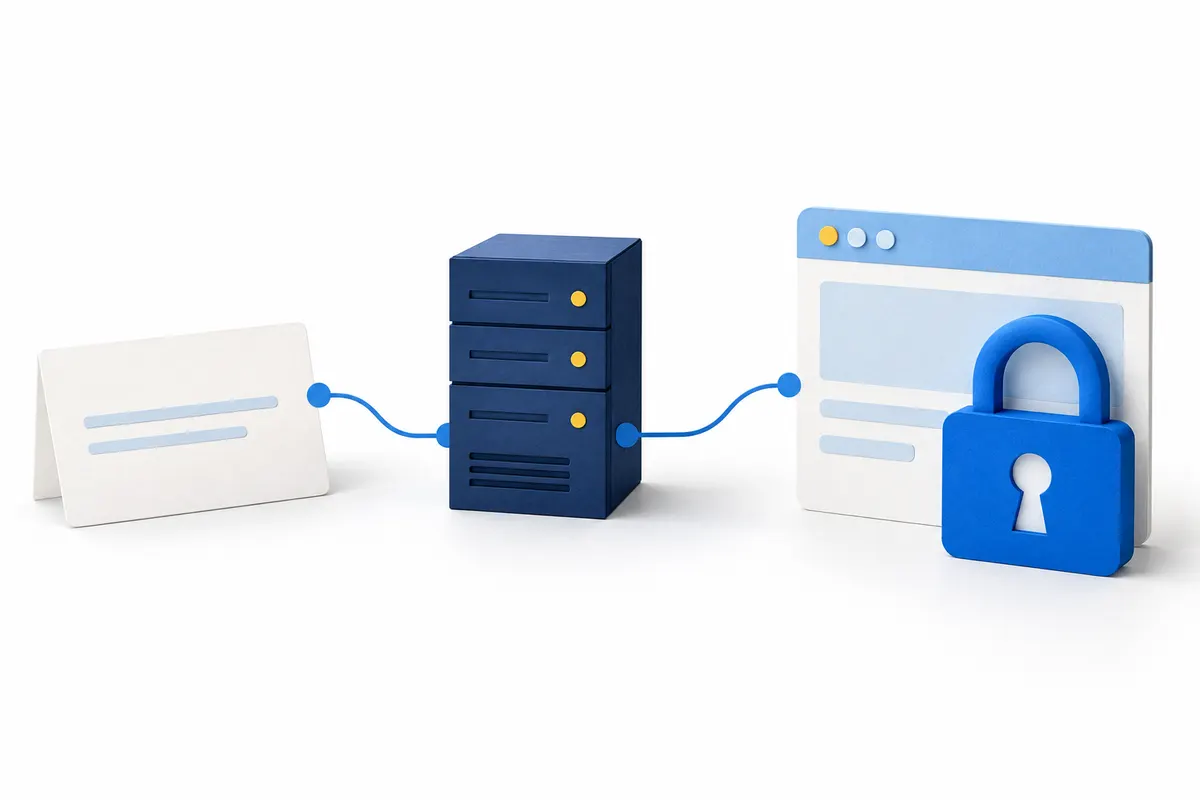
Your .at domain is registered, but the browser displays a certificate warning? Separate registration, DNS and HTTPS so you can find the right place to complete the setup.
Read guide ↗