A record or CNAME? Connect your .at domain correctly
Does your website service ask for an A record or CNAME? Read the DNS instructions, separate the main domain from www and check your .at website connection.
Read guide ↗Why do DNS changes appear at different times? Understand TTL with a seconds table, a worked cache example and a practical checklist for your .at domain.
TTL means Time to Live. Expressed in seconds, it describes how long a DNS answer may normally be cached before its source must be consulted again. A value of 3600 means one hour. Changing the TTL does not erase answers already cached, and it does not guarantee a fixed completion time.
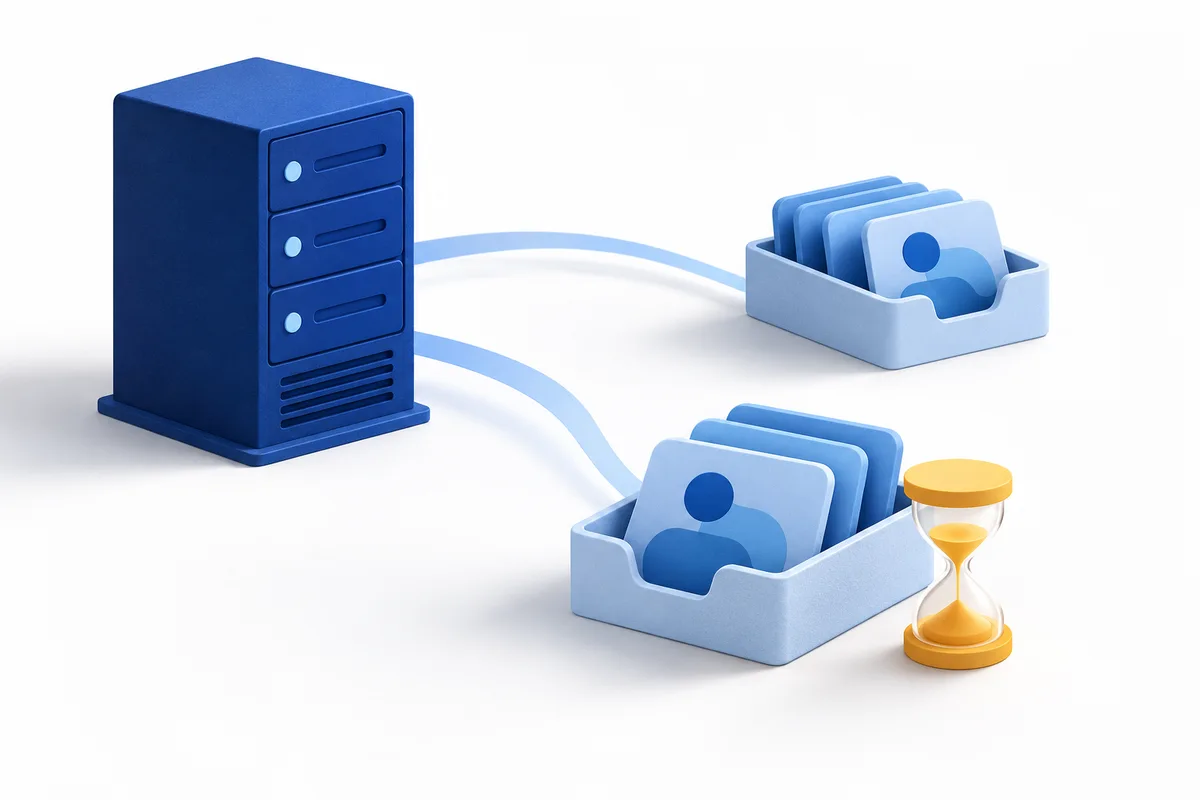
You change a record in the active DNS zone for your .at domain. A DNS resolver answering requests for a device may still hold an earlier answer in its cache. Your phone and an office connection can therefore receive different destinations temporarily. TTL concerns this stored answer. It is neither the expiry date of your registration nor a waiting period before you may use the domain. A resolver does not have to retain an answer for its entire TTL either. First check that you are editing the zone that is actually active: a correct value at inactive nameservers will not fix the public connection.
Understand active nameservers and DNS responsibilityDNS expresses TTL in seconds, but a management interface may display the same duration in minutes or as a selection. Read the field label and supported values carefully. The table converts common numbers; it is not a blanket recommendation for your connection. Follow the instructions from your website or mail service where the form supports them. A shorter value means more frequent fresh lookups, rather than a faster website. A value of zero is not a universal speed switch and should not be chosen without an appropriate instruction. Keep the original setting in your change notes.
| TTL in seconds | Equivalent duration |
|---|---|
| 300 | 5 minutes |
| 1800 | 30 minutes |
| 3600 | 1 hour |
| 86400 | 24 hours |
Suppose a resolver looks up the old website record at 09:00 and receives a TTL of 3600 seconds. At 09:10 you change the destination and lower the TTL to 300 at the same time. In a simplified normal cache cycle, that previously stored old answer can still be used until 10:00. It does not acquire a five-minute lifetime retrospectively. Another resolver making its first lookup after the change may already receive the new destination. These times are an arithmetic example, not a promise for your website. Different lookup times explain why one successful test does not confirm a completed change across every network.
For a planned website move, the order of events helps. Record the existing destination and its previous TTL first. If your service recommends a lower TTL and your management interface supports it, change only that setting initially. Allow sufficient lead time for the previous cache lifetime before switching the destination, and check that authoritative answers show the intended value. Prepare the new website project and its domain assignment. Then switch the destination and test it. Keep the previous service reachable during the transition according to your migration plan. After successful checks, return to the intended normal TTL; there is no single best value for every setup.

You might create a new name that did not exist shortly beforehand, such as an additional subdomain. A resolver may also cache that previous negative answer. Its caching period uses information from the zone; the new TTL on your freshly created record does not remove the old negative cache. Also distinguish a name that does not exist from an existing name without the requested record type. Repeatedly deleting and recreating records makes diagnosis harder. Compare the authoritative nameserver’s answer with the affected resolver’s answer, and note the exact name you queried before drawing conclusions.
Understand new subdomains and their connectionsA website record’s TTL does not control every stage involved. Changing nameservers also concerns delegation. A website needs the correct project assignment, and HTTPS requires a valid certificate. Mail uses its own records and settings. Devices, applications and other caches may affect what you see as well. DNS standards also allow older answers under certain conditions when a resolver cannot refresh its information. Avoid claiming that a five-minute TTL guarantees everything will work in five minutes. If DNS already returns the intended destination, investigate the affected service rather than continually reducing the TTL.
Website works but email fails: check the routes separatelyFirst read back the saved record in the active zone. Next check the authoritative answer for exactly the same name and type, followed by the answer from the affected network. The main domain, www, A records and AAAA records are separate questions. Note the time, previous and new destinations, and observed TTL. Finally test the actual web or mail service. Reloading a browser does not automatically clear a remote resolver’s cache. If you need help, provide these technical details and a redacted error message. Credentials and private message contents do not belong in the extract.

At atdomain.at you can manage DNS with the default nameservers or use custom nameservers. With custom nameservers, records are edited there; check responsibility before making changes. A standard new .at domain currently costs €12.99 total price for the first year, with renewal at €15.99 total price per additional year. Choosing a different TTL does not change those domain prices. We do not currently sell hosting or email mailboxes. Plan those services separately and keep their connection instructions. For questions about domain management, contact support through your customer account with the relevant technical details.
View .at registration and included managementRegistration and renewal total pricesFind help connecting your domain
Does your website service ask for an A record or CNAME? Read the DNS instructions, separate the main domain from www and check your .at website connection.
Read guide ↗Changing nameservers hands DNS management to another service. Preparation helps protect your website and email.
Read guide ↗
Your .at website opens, but email is missing? Separate mailbox access, incoming mail, outgoing mail and the active DNS zone, especially after a website change.
Read guide ↗