Finding a domain name: a practical checklist
A good name is memorable, easy to say and easy to type. Here is how to evaluate your ideas.
Read guide ↗Choose a clear spelling for your Austrian domain. Compare readability, phone and email use, and the total registration and renewal prices for keeping one or two .at names.
Choose the spelling your audience can recognise most reliably when reading and hearing it. A single hyphen can clarify word boundaries, but you need to mention it when sharing the address. The variants are separate domains. Check both names and their recurring total prices before choosing a primary address.
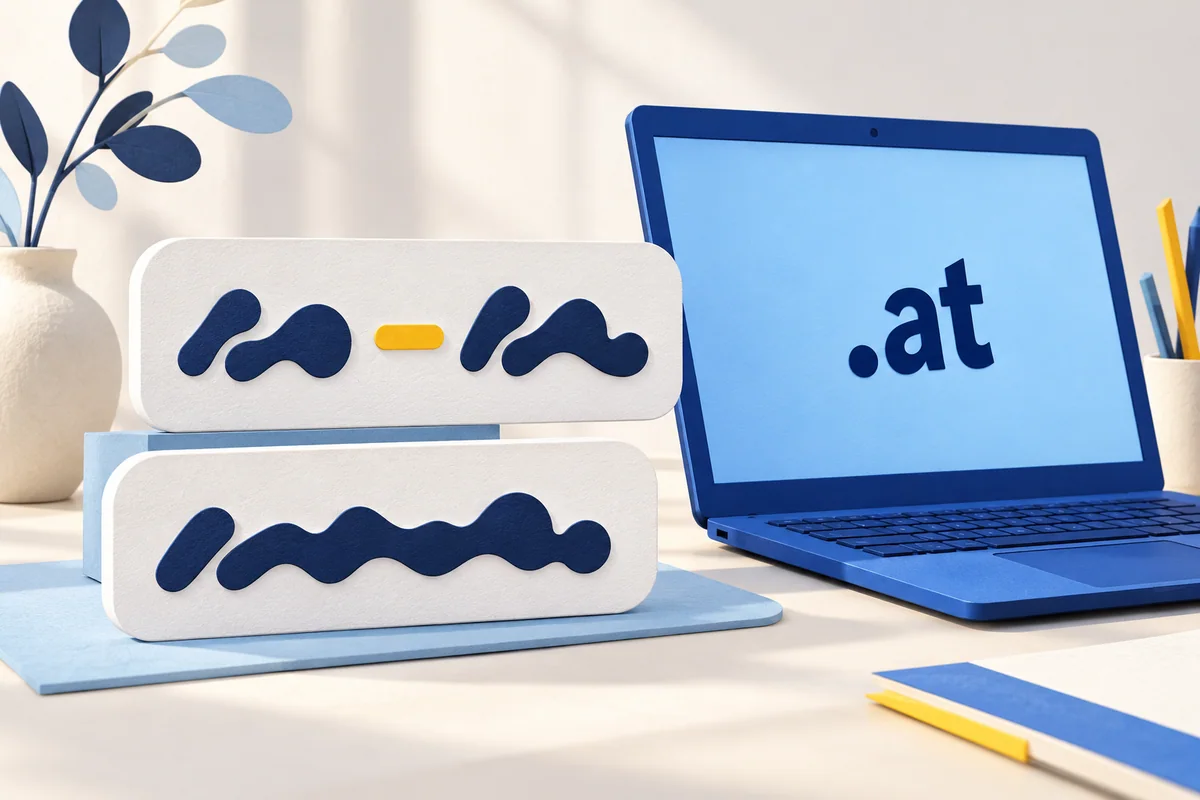
Start with the name people should actually know your project by. Write it once as a continuous name and once with a sensible break between words. The purely illustrative forms deinprojekt.at and dein-projekt.at show the distinction; they do not imply that either address is available. A short, recognisable name may work naturally without a hyphen. If two longer words run together into an awkward string, a hyphen can show the boundary. Do not choose purely by character count. Compare both at business-card size and on a phone screen. In everyday use, a recognisable name is more useful than an abbreviation that needs a lengthy explanation every time.
The complete domain-name checklist ↗The current official .at rules allow an ordinary hyphen inside an otherwise valid name, but not at the beginning or end. Two consecutive hyphens in the third and fourth positions have special restrictions; the technical representation of internationalised names is a separate case. For an ordinary name, use a clear division between words rather than copying a long typographic dash from formatted text. Spaces and underscores are not substitutes for the hyphen. Registration checks the exact character sequence, so read the complete search result and basket entry, including the ending. If one spelling is taken, the other is a different name and must be checked separately. Do not assume that it belongs to the same person or is still available.
Understand umlauts and their technical spelling ↗Ask another person to write the two variants while you read them out in turn. Explicitly say “hyphen” for the separated version, for example “dein hyphen projekt dot at”. Then check what they actually wrote, rather than relying on a nod of agreement. Did they miss a word, omit the hyphen or add a different ending? Also see whether they can still recall the spelling after a short interruption. This is a practical decision exercise, not a representative study. If possible, involve people who do not already know your project name by heart. If both spellings need repeated explanations, try a clearer name before buying additional domains to compensate.

A domain may appear more often in email than on a large website banner. Read out a planned address such as office@dein-projekt.at as well. A hyphen after the @ belongs to the domain part and needs to remain when somebody types it. A similar-looking address without that hyphen is not automatically the same mailbox. Check the spelling in signatures, contact forms and printed material too. A QR code can make entry easier, but it does not replace an address you can communicate clearly. A mailbox requires a separate email service; atdomain.at does not sell mailboxes or web hosting. Ask your actual email service which addresses and extra domain variants it can support.
Set up email using your own .at domain ↗Two spellings can be useful if you genuinely intend to use both or catch a common alternative entry. They are not a required bundle. A standard new .at domain at atdomain.at currently costs €12.99 total price for the first year, so two such registrations cost €25.98 total price. Annual renewal currently costs €15.99 total price per domain, or €31.98 total price for two domains per additional year. At unchanged prices, the three-year total is €44.97 for one domain or €89.94 for two. This is a budgeting calculation, not an advance-payment offer or a guarantee of future prices. Website and email services may add separate charges. Decide what the extra spelling will do before adding its ongoing cost.
| Plan | Current total price |
|---|---|
| One .at domain, first year | €12.99 |
| Two .at domains, first year | €25.98 |
| One .at domain, renewal for one year | €15.99 |
| Two .at domains, renewal for one year | €31.98 |

If you keep both variants, choose one primary address and use it consistently in profiles, signatures and internal website links. Configure a redirect from the second website address with a suitable website service. Domain registration or a DNS record alone is not an HTTP redirect. Also check HTTPS and important pages with that service rather than testing only the home page. The HTTP standard describes redirects for web requests; this does not automatically deliver email for a second domain. That domain needs the appropriate setup with your email service. With the default nameservers, you can manage DNS records in your atdomain.at account; custom nameservers are also supported. There is no need to duplicate a whole website simply because you have another spelling.
Tell A, CNAME, MX and TXT records apart ↗Plan the domain separately from website hosting ↗Finally, write down which spelling will be your primary address and why. The communication channels your project actually uses matter: phone calls, business cards, event notices or mainly clickable links. A blanket claim that every domain is better with or without a hyphen does little to help. Do not let a ranking promise push you into registering an address people cannot understand. Search the exact name you want, check availability and investigate possible third-party naming rights separately. A search result or a basket does not reserve a domain. Once registration succeeds, check the confirmation and then connect the website and email services you intend to use. Keep the chosen spelling consistent as you prepare those connections.
A good name is memorable, easy to say and easy to type. Here is how to evaluate your ideas.
Read guide ↗Registration and renewal have different prices. Here is how to budget for your Austrian domain.
Read guide ↗An address such as office@yourname.at needs a domain and an email service. Learn what the mailbox, MX, SPF, DKIM and DMARC each do.
Read guide ↗