A .at domain for an event in Austria: names, links and what comes next
Planning a summer festival, workshop or cultural evening in Austria? Choose an event domain and plan invitations, registration links and what happens after the date.
Read guide ↗Use a .at address for QR codes on cards, posters or menus. Plan the destination, redirects, final print checks and ongoing domain costs before publishing.
First plan the complete web address your QR code should open. Your own domain can provide an address you maintain over time; configure the destination page or redirect with the web service. Test the final print and keep both the domain and web service active. Domain registration alone creates neither a QR code nor a website.

For a QR code containing a web address, the entire URL matters, not just the domain name. https://projekt.example/karte and https://projekt.example/kontakt identify different paths under the same hostname. These are documentation examples only. Write down the actual destination for your project in full and open it in a browser. Should visitors reach a menu, registration form or contact page? Check the language of that page as well. Agreeing only the domain leaves this important destination decision unresolved. Avoid printing a code first and deciding what visitors should find afterwards; settle the public journey while changes are still straightforward.
Choose a clear domain name for your projectFor printed materials, a durable starting address is often more useful than one that anticipates your next website rebuild. W3C guidance on stable URIs supports this principle: plan addresses you can preserve after reorganising a site. For an Austrian café, a deliberately long-lived address could lead visitors to the current menu. That is a planning example, not a ready-made feature of our domain account. Record who will maintain the address. Do not use an internal preview, a private sharing link or an address that works only in your own signed-in browser as the public destination. Test access as a visitor would experience it.
DNS connects a hostname to a service. It does not configure a redirect for a URL path such as /karte. If the printed address should later lead somewhere else, your web service must keep serving the original address or configure an appropriate HTTP redirect. The HTTP standard describes these responses and their destination. Ask your website contact whether your service supports this and how changes will be checked. atdomain.at does not currently sell hosting or email mailboxes and does not provide a QR generator. A registered domain name alone does not perform those tasks or keep a separate website service active.
| Task | What you plan |
|---|---|
| Domain | Registration and ongoing renewal |
| DNS | Connecting the hostname to your chosen service |
| Destination | The public page or redirect at the web service |
| The QR code actually generated and tested |

If you want a new .at address, check the confirmed registration status after ordering. A search result, basket item or payment alone does not establish successful registration. Then open the exact destination using https://. The website service must recognise the address and present a suitable certificate. A working preview at a different address is insufficient. Approve the print only once the public route works. Record whether you use www rather than switching between spellings. This helps avoid unnecessary corrections to materials that have already been designed. If an order remains pending, resolve that status before treating the address as ready for distribution.
Check successful registration and the next stepsSet up valid HTTPS for the actual addressDo not check only the graphic inside your design application. Print a proof from the final production file and test its code using a mobile phone. Ask a second person to follow the same route without your account access. Compare the displayed web address and the page that actually opens with your plan. On the phone, check important content and every necessary control, such as a registration button. Include a readable web address beside the code as an alternative. If colours, size, material or placement change later, test the new print again. A successful proof confirms that tested version, not every subsequent variation.

Business cards, notices and packaging may still circulate after a campaign ends. Decide how long the domain and destination should remain accessible. A standard new .at domain currently costs €12.99 total price for the first year with us; renewal costs €15.99 total price per additional year. New standard .at domains also offer three years for €39.00 total price including registration and two annual renewals. This saves €5.97 against €44.97 through annual payments assuming today’s prices remain unchanged. Transfers and existing renewals are excluded. Afterwards, arrange renewal in good time at the price then offered; there is no automatic card charge.
Search for a suitable .at addressCompare total prices and the three-year packageStore the complete encoded address, print file, intended destination and responsible contact together. A printed code does not change its embedded address when you create a different code later. You need either replacement materials or an original address that still works. After changing a website, check printed materials already in circulation too. With our default nameservers, manage DNS in your account; custom nameservers are supported as well. Changing DNS does not replace checking the destination page. Also keep the prepaid-through date separate from the technical expiry advanced through annual renewals, so the continuing domain task remains visible alongside the website work.

Planning a summer festival, workshop or cultural evening in Austria? Choose an event domain and plan invitations, registration links and what happens after the date.
Read guide ↗
Set up your .at website with or without www: choose one main address, check DNS and HTTPS for both hostnames, and test redirects to the right pages.
Read guide ↗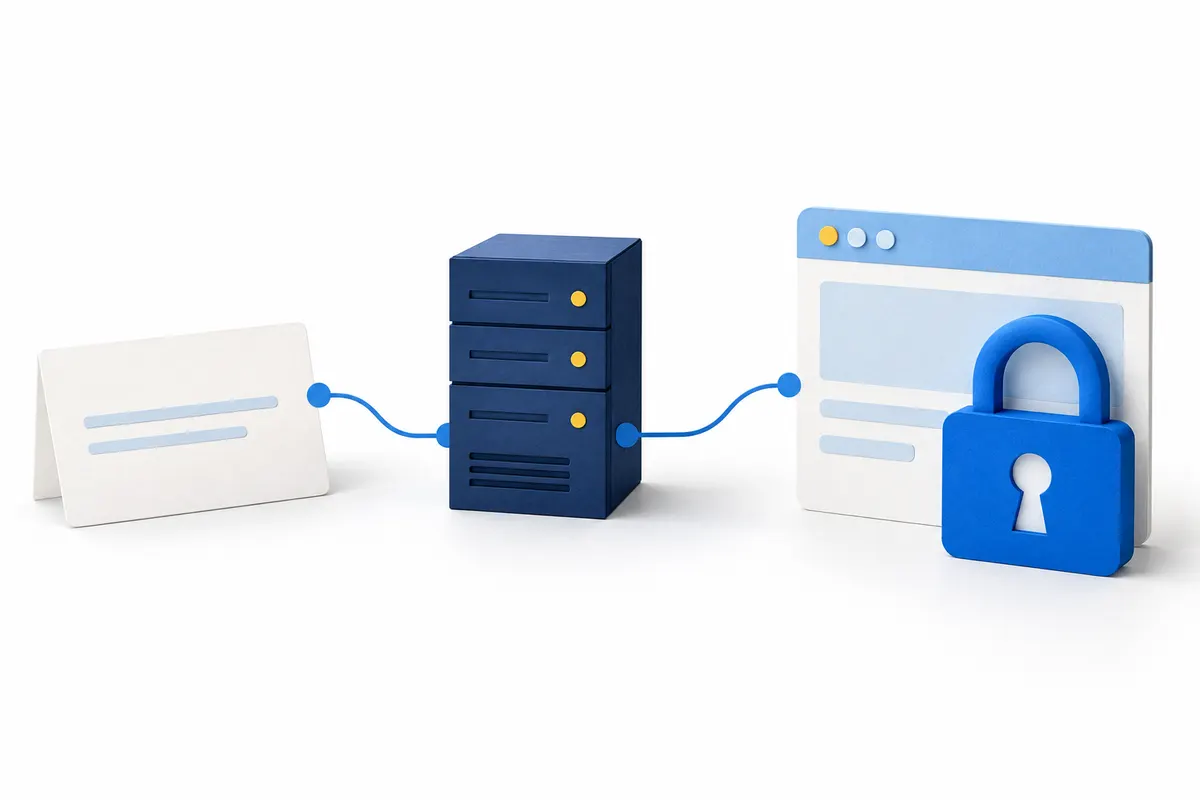
Your .at domain is registered, but the browser displays a certificate warning? Separate registration, DNS and HTTPS so you can find the right place to complete the setup.
Read guide ↗