Domain or URL? What you register for your .at website
Ready to order a .at address but looking at a long website link? Separate the domain, page path and extra details so you search for the right name and plan the right connection.
Read guide ↗Your .at homepage works, but a link from an email or QR code returns 404? Check the exact page address and its publication before changing DNS or buying another domain.
Start with two separate checks: open the expected homepage, then the complete failing link. If only the subpage fails, check its published path, old links and a possible replacement with the website service. Registering another domain does not restore a missing page path. Keep the precise error message and avoid speculative nameserver changes.
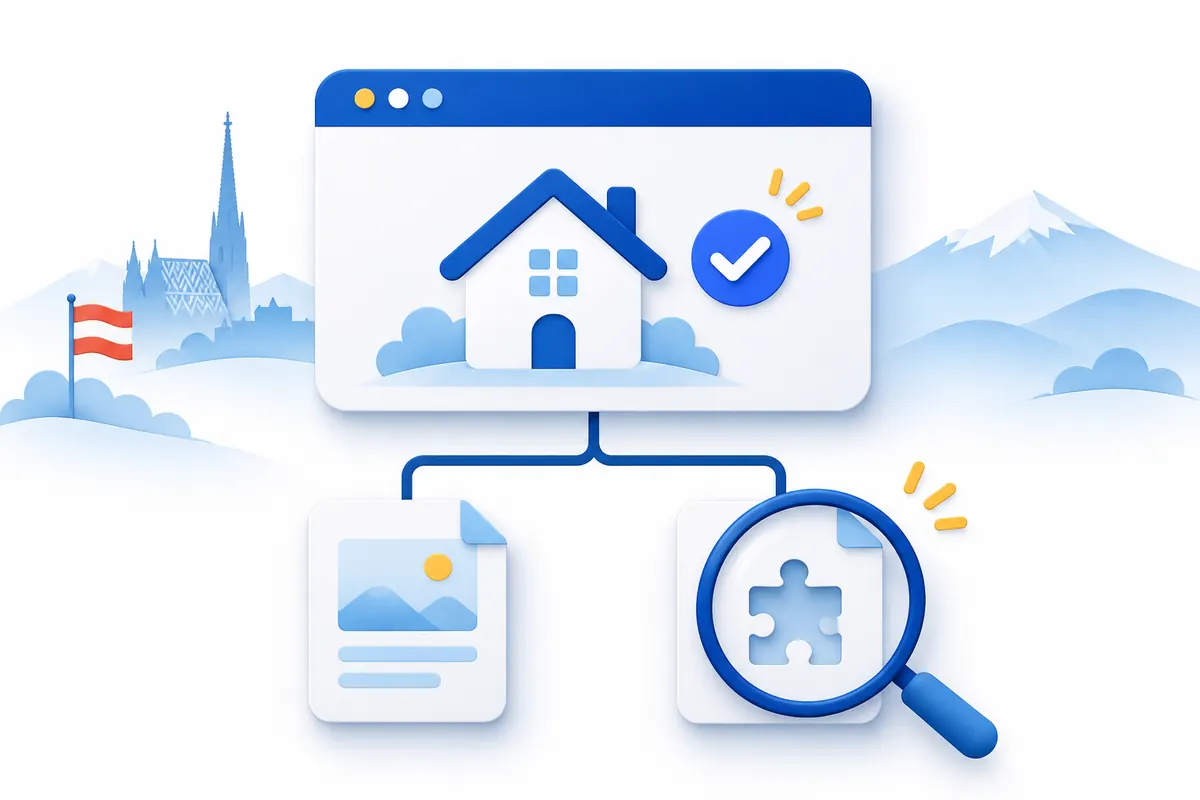
Imagine an Austrian pottery workshop whose homepage displays the current programme, while a link to an older class in an email ends at an error page. First note the working homepage address and copy the affected link directly from the message. Do not simply search for it again: a search result might take you to a different address. Also check that the homepage really belongs to the expected project. An unfamiliar default website or a certificate warning is a different starting point from your own website displaying correctly. Keep those observations separate before choosing a repair.
Distinguish a domain name from a complete page addressUnder the HTTP standard, 404 means the server did not find a current representation for the requested target, or will not disclose that one exists. The code alone does not establish whether that situation is temporary or permanent. A carefully designed error page can carry that response just as a plain message can. Record the visible wording. If you see an access check, connection failure or certificate warning instead, keep that message as separate evidence. Do not report a general domain outage when you have only checked one particular link.
| Observation | Useful next comparison |
|---|---|
| Your correct homepage works; one old link fails | Compare the old path with the published subpage |
| The link opens an unexpected project | Check the hostname and website-service association |
| A different error message appears | Record the exact message rather than an assumed cause |
If the desired page still exists in the visible website menu, open it through that menu. Copy its working address and compare it with the old link. Look at spelling, hyphens, language folders and extra path segments. A redesign might have changed /classes/spring into /workshops, for example. The website determines whether alternative spellings behave the same way. Also check whether copying introduced a sentence-ending punctuation mark or a line break into the link. Make this a comparison of two actual addresses before changing anything. DNS changes are not the first step in investigating a particular page path.

If you manage the website, find the affected page in the editor and in the public navigation. Establish whether it remains a draft, was renamed or moved, or was intentionally removed. A preview inside your account is not a substitute for testing the public address. For a managed website, ask the responsible agency or hosting service for the currently published destination and an explanation of the old path. Avoid removing the domain connection or republishing the entire site as a precaution. First understand the proposed change and which pages it will affect.
Plan for old page addresses when moving a websiteCorrect a copied link where it was published. If a page is still needed, the website owner or maintainer can decide whether to restore it. Where a relevant replacement exists, ask about a targeted redirect from the old path. Sending every unknown address to the homepage often fails to answer the visitor’s original question. Keep a short list of old addresses, suitable destinations and the person responsible. W3C’s guidance on stable web addresses provides a useful planning principle: consider how previously shared addresses will continue to be maintained when a website is reorganised.
Separate a web redirect from a DNS connectionAccount for addresses already printed in QR codesA useful report includes the public failing address, a working comparison address, the visible error and the time you observed it. Add whether you reached it through a menu, an email or printed material. A screenshot can supplement that description. Do not share passwords, payment details or confidential access links. If an address contains a private access code, agree a safe way to investigate it. Our support can help within the requested scope and the controls we actually have. Content and page paths at an external website service must be handled by the person responsible for that service.
After the correction, test the exact old link again. A working new destination alone does not establish that the previous entry point has been repaired. Also open the website navigation on a computer and phone and check the intended content. For a printed QR code, test an existing printed copy as well. Update links you control and retain the address mapping for future changes. A private browser window does not necessarily bypass every cached response. If devices disagree, note the device, time and address instead of repeatedly trying different DNS values. Keep the evidence specific enough for the website maintainer to compare.

A standard new .at domain currently costs €12.99 total for the first year with us, and €15.99 total per additional year, checked on 2 November 2026. At unchanged prices, the first year and one later annual renewal total €28.98. Hosting, website creation and email mailboxes are separate services from other providers. You do not need to buy an already registered domain again because a subpage link is broken. If a genuinely new project needs a different name, search for that separately and budget for its continuing costs. A new address does not automatically repair the existing website.
Search for a .at domain for a new projectCheck current registration and renewal total prices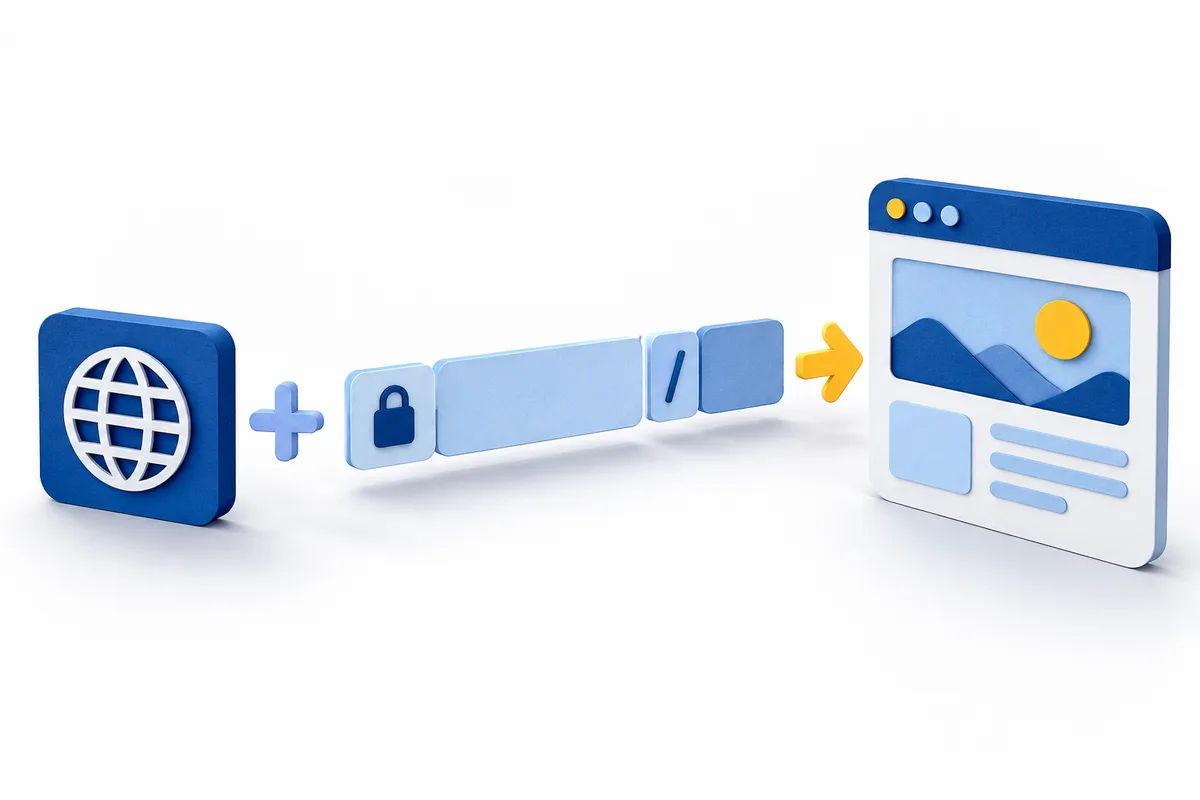
Ready to order a .at address but looking at a long website link? Separate the domain, page path and extra details so you search for the right name and plan the right connection.
Read guide ↗
Changing your website builder or planning a relaunch? Keep your .at address and prepare DNS, page URLs and email before switching the website connection.
Read guide ↗
Use a .at address for QR codes on cards, posters or menus. Plan the destination, redirects, final print checks and ongoing domain costs before publishing.
Read guide ↗