Finding a domain name: a practical checklist
A good name is memorable, easy to say and easy to type. Here is how to evaluate your ideas.
Read guide ↗Want to publish your blog under your own .at address? Plan the name, publishing system, existing links and ongoing costs before changing your address.
A custom domain gives your blog a separately managed address. Publishing software and content remain separate tasks. Before registration, check that your system supports a custom domain. An existing blog also needs a plan for old article URLs; buying a domain does not move posts or reader subscriptions.

A blog may grow from a narrow starting topic into a broader collection. Consider whether one product name or a year would unnecessarily limit future content. Write three planned post titles and check whether they would still fit naturally beneath the same address. A personal name creates a different identity from a topic brand. Decide whether other people may join the project later. The domain does not need to list every category. It should work as the address someone recommends and remain readable in a small author biography.
Compare a personal name with a topic brandBefore buying, establish whether the chosen publishing system can connect a custom domain and what ongoing costs that requires. Ask for current DNS instructions, HTTPS arrangements and www behaviour. Domain registration alone does not install blogging software or move text and images. atdomain.at provides the domain and DNS management with default nameservers; custom nameservers are also supported. Plan hosting, software and mailboxes separately. If you are just starting to write, test the structure in a preview and connect the final address only after registration is confirmed.
Consider the domain separately from blog hostingThe homepage is only one part of a published blog. Readers may have bookmarked, linked or shared individual posts. Before changing, list important old article URLs and their intended new destinations. W3C explains the value of stable web addresses; maintaining a deliberate mapping helps when things change later. Check which redirect and export options the previous system actually provides. A DNS change alone does not map old article paths to new ones. Include embedded images and downloadable files in the plan. A working homepage does not establish that the archive moved successfully.
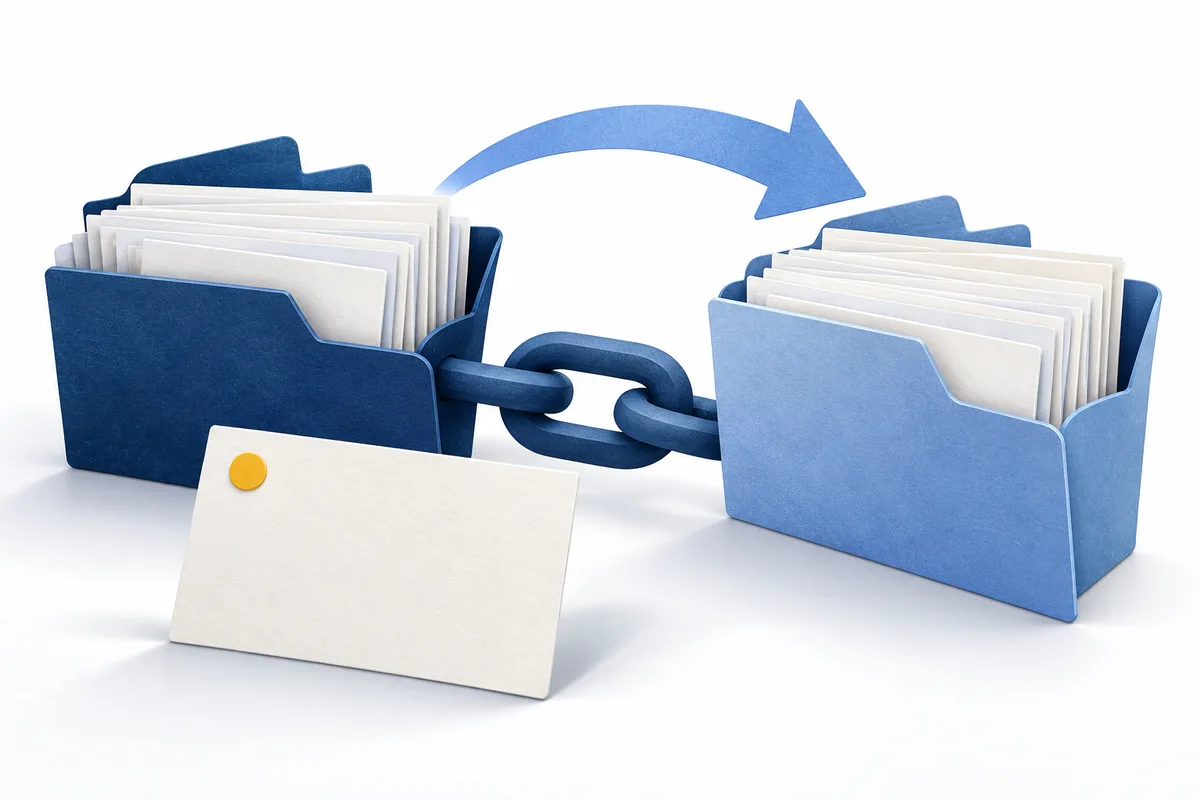
A newsletter, feed and email address can each have their own connections. Record which ones you actually use and where they are managed. After a change, check that published subscription links and contact details still reach the right destination. Do not assume registration or DNS setup automatically transfers existing subscribers. Clarify the options with each service and test the intended journey with your own address. Separate technical configuration from editorial communication: correcting a connection does not tell readers about a new name. Update profile details and reusable wording as well.
Plan the domain and email connection togetherOpen an older post through its known address, follow an internal link and check an image or file. Also test a new post from the homepage. An address can look correct while landing on an unsuitable overview page. Record missing destinations using the exact link rather than simply noting that the move failed. Check the intended HTTPS connection and how advertised domain variants connect. Repeat the journey using the final address before sharing it in profiles and new publications. That keeps the check specific and reproducible rather than relying on a quick glance at the homepage.
A standard new .at domain costs €12.99 total in the first year; annual renewal currently costs €15.99 total. The 3-year plan for new .at domains costs €39.00 total with registration and two included annual renewals. Save €5.97 against €44.97 with annual payments at today’s prices; no further payment for those renewals during the included term. Afterwards, renewal is offered at the price then in effect, without automatic card charging. Budget separately for blog hosting and other services. Taking a break from writing does not finish the domain management task.
Plan the ongoing total pricesCheck the plan term and renewal
Check the name and possible confusion, confirm your system’s custom-domain function and write down the initial connection plan. For an existing blog, include important old links and the responsible person in that preparation. A search result or basket does not reserve an address. Before paying, review the spelling, term and complete total, then check registration confirmation in your account. Connect the website using current instructions and repeat the reading journeys. A custom domain is most useful when its long-term management receives the same attention as the next posts.
Check your .at blog addressTest the name before orderingA good name is memorable, easy to say and easy to type. Here is how to evaluate your ideas.
Read guide ↗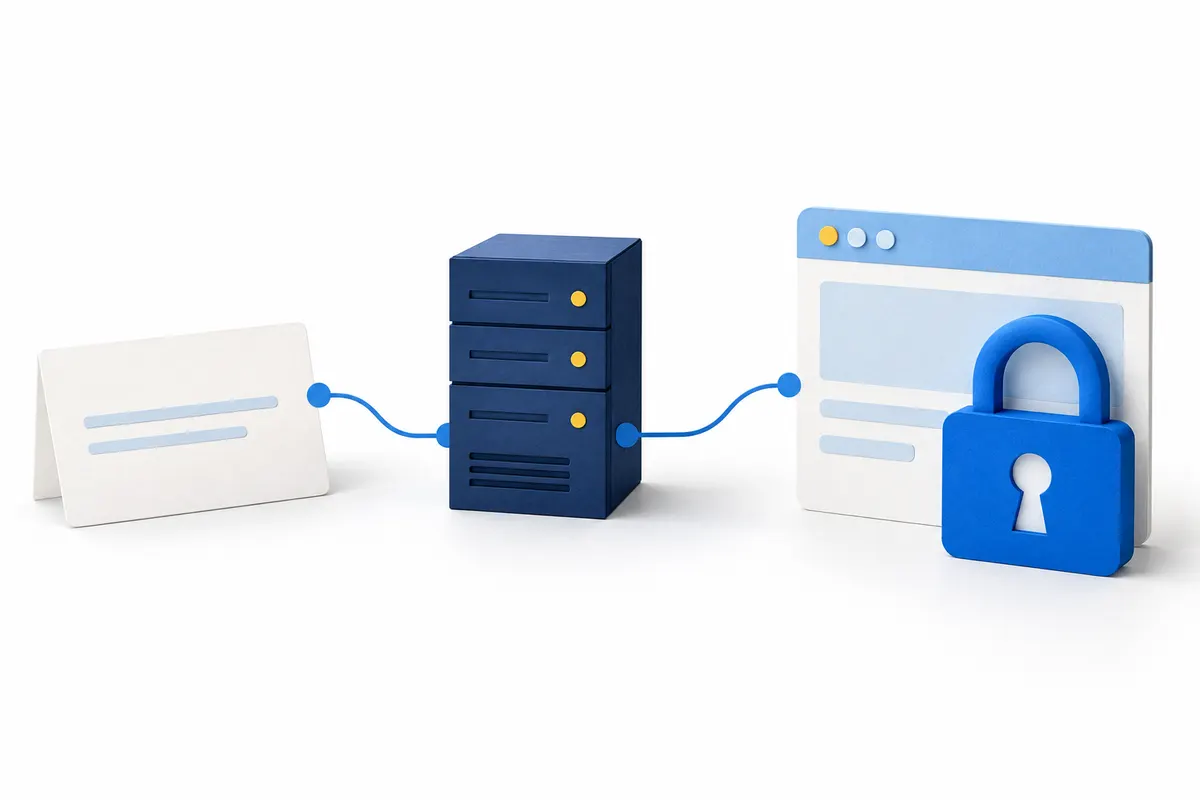
Your .at domain is registered, but the browser displays a certificate warning? Separate registration, DNS and HTTPS so you can find the right place to complete the setup.
Read guide ↗
How do you renew a .at domain at atdomain.at? Check the deadline in your account, budget for the total price and distinguish a request from a confirmed renewal.
Read guide ↗