Set up an email address with your own .at domain
An address such as office@yourname.at needs a domain and an email service. Learn what the mailbox, MX, SPF, DKIM and DMARC each do.
Read guide ↗Want your newsletter to use your own identity? Plan its sender address, a monitored reply mailbox and the sending-service connection before changing DNS records.
A .at domain does not send a newsletter by itself. You need a suitable sending service and a working address for replies. Choose the visible sender, use only the DNS values supplied for your project, and check sending, replies and links separately. Passing a technical check does not guarantee inbox placement.

A small Austrian initiative has been sending event updates from a private address. It now wants its newsletter to match its own website. Before copying any DNS values, the team records its chosen domain, the displayed sender and the person who will answer questions. For a new .at domain, search two or three clearly distinguishable names. Say them aloud and compare them with the name used on your website. A separate registration solely for newsletter sending is not automatically necessary. Aim for a consistent identity that you can retain when you eventually change sending services, rather than choosing a name tied to one temporary tool.
Search for a suitable .at domain nameCheck availability separately from existing naming rightsThe displayed name, sender address and reply destination do different jobs. The From field identifies the message author; a Reply-To field can specify a different reply address. Ask the sending service to show you both settings. Choose an address whose incoming messages someone actually handles. A polished sender name does not create a mailbox. For approval, record the complete addresses as well as the visible name. This helps you notice when an old template still uses another project’s address, or when replies would go to a person who has since left. Review the settings again when the person responsible changes.
Distinguish a mailbox from an alias for repliesA newsletter service and the service handling ordinary incoming email can be different. Before buying, ask whether the offer covers sending only or also includes a usable mailbox. Establish who will set up the reply mailbox and who needs access. Successfully verifying a domain with the sending service does not automatically create that mailbox. Keep existing incoming mail working during setup. If your normal messages already arrive, do not replace every MX record as a precaution. Ask which specific change the new sending setup needs and which existing records must remain. Keep the answers with your project notes for the next person managing it.
Plan an email service alongside your own domainCheck website connections separately from incoming mail
Some sending services require or recommend a dedicated subdomain for particular sending functions. Ask for the complete name and its purpose: is it for the visible sender, technical feedback or links inside the newsletter? These do not have to be the same address. A subdomain under a domain you already own does not require another domain registration. It also does not automatically separate every risk or responsibility. Before setup, ask what must change or be removed if you switch services later. Do not invent target values or treat an illustrative example name as a working configuration for your account.
Understand names underneath an existing domainBefore making changes, compare the active nameservers with the service where you intend to edit DNS. With our default nameservers, you can manage supported records in your domain account. After switching to external nameservers, active records must be edited at that external DNS service. An old zone retained with us then has no control over those public answers. When requesting support, specify the configuration you need help with and establish who has the required access. Do not switch nameservers merely because a newsletter needs a TXT or CNAME record. First save the existing values relevant to the change.
Identify the DNS service responsible for your domainKeep a usable record of DNS before changesSee DNS management and custom nameserver optionsYour sending service should show which checks are missing for your project and which records it expects. For DMARC, SPF or DKIM must provide the appropriate alignment with the visible From domain; an unrelated successful check is insufficient. Avoid copying a generic policy from somebody else’s setup. Record the type, host, value and purpose of every requested change. Ask the responsible service how existing ordinary email sending is accommodated. If verification fails, save the specific message rather than experimenting by deleting established mail records. Follow the technical guide for the detailed authentication configuration and review uncertainty before changing a working setup.
Configure SPF, DKIM and DMARC for the actual setupEnter a requested TXT verification record correctlyBefore regular sending begins, arrange a controlled preview through your sending service to your own designated recipient addresses. Check its appearance on a phone and a computer. Reply to that preview and confirm that the reply reaches the agreed mailbox. Open important links and check the intended public destination. Also check whether any link subdomain you use supports HTTPS. A sending service accepting a message does not prove that it reached the recipient. Passing authentication does not guarantee inbox placement either. Record the actual outcome, time and unresolved points before approval, instead of treating a green setup indicator as the whole result.

A standard new .at domain at atdomain.at currently costs €12.99 total for the first year. Renewal costs €15.99 total per additional year, checked on 2 November 2026. At unchanged prices, the first year and one later annual renewal total €28.98. Newsletter sending, hosting and email mailboxes are not included; we do not currently sell those services. Check separate charges and terms with your chosen sending service. Record who will renew the domain and who will review DNS values after a service change. Remove old records only after their purpose is understood and the transition has been confirmed, rather than clearing the zone all at once.
Check current registration and renewal total pricesSee what a .at registration includesKeep track of annual domain renewalAn address such as office@yourname.at needs a domain and an email service. Learn what the mailbox, MX, SPF, DKIM and DMARC each do.
Read guide ↗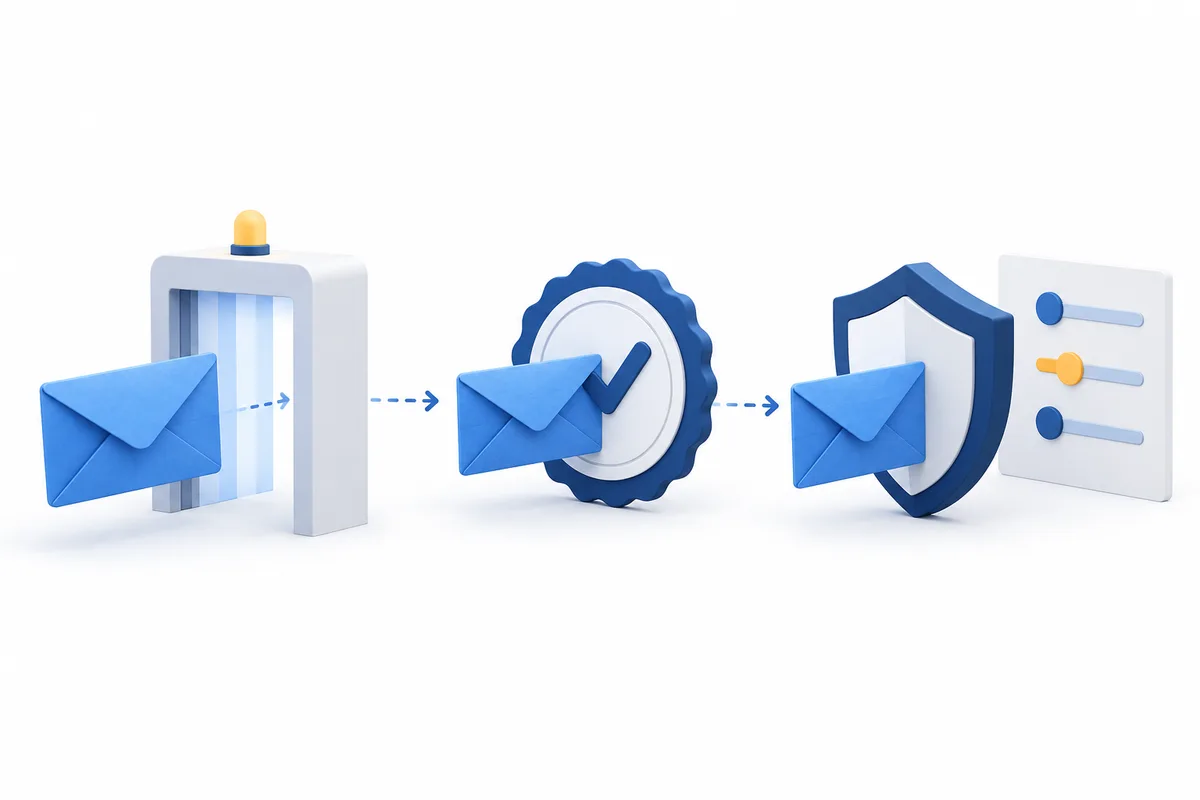
Which DNS records does your .at domain need for email sending? Understand SPF, DKIM and DMARC, enter the right values and test every sending service.
Read guide ↗
Check a TXT record for your .at domain: identify the active nameservers, match the host and verification value, preserve mail records and confirm the result.
Read guide ↗