Website works, email does not? Check your .at domain
Your .at website opens, but email is missing? Separate mailbox access, incoming mail, outgoing mail and the active DNS zone, especially after a website change.
Read guide ↗Contact, invoices and personal addresses under one domain: plan mailboxes, alias destinations and tests before publishing your new email addresses.
One domain can be used for several email addresses. Your mail service determines whether each address has a separate mailbox or acts as an alias delivering to an existing one. Domain registration alone creates neither recipients nor mailboxes nor permission to send.

You do not need a new domain for every contact address. The part before @ identifies a locally assigned address; the domain follows it. A small Austrian project might plan a general contact address and another for invoices. Start with a list of responsibilities rather than assuming these inboxes already exist. Your mail service determines which recipients it accepts. Registering the domain does not create them. Choose short, understandable names that you can say aloud and review their exact spelling before publication. Keep the domain consistent across the planned addresses.
A separate mailbox provides its own message handling and storage to the extent supported by your plan. An alias is an additional address whose messages are directed to an existing destination. Several addresses therefore do not automatically mean several sign-ins or separate archives. Someone working alone may only need an extra contact address delivering to the same inbox. If another person needs independent access, ask your mail service about a separate mailbox or suitable shared handling. Explicitly check whether replies can use the alias as the sender: receiving and sending require separate tests.
For each planned address, record who reads its messages, where they arrive and which sender address should be used for replies. A general contact address still needs someone responsible during holidays. An invoice address should not silently deliver into an old personal inbox. Avoid giving several people the same password simply because an address sounds shared. Check which access arrangements your mail service actually provides. Also record how to remove a departing team member from handling messages and who continues existing correspondence. A short responsibility list helps prevent a technically reachable address from remaining unanswered.
Your domain’s MX records point to the intended mail servers. Individual addresses are normally assigned to mailboxes or alias destinations inside the mail service. Do not create new MX records for every person on the team. Use only the current instructions from your chosen service. If the website already works, adding a mailbox is not a reason to replace its records. Before a planned DNS change, save the existing configuration and check the active nameservers. An inactive DNS zone may look correct while its records are not the ones being used publicly.
Check website and email separatelyIdentify active nameserversSend a harmless test message from an independent address to every newly configured recipient. Check which inbox receives it, then reply using the intended access. When the reply arrives, inspect the actual sender address rather than only its display name. Repeat this on your phone if you handle customer messages there. A successful test of the primary address does not prove every alias works. Record the date and outcome without including passwords or private message content. If something fails, collect the address, time and error for the responsible mail service instead of changing several DNS values at once.
Understand email sending records
Decide what should happen when someone mistypes an address. If your service offers a catch-all setting, it may accept messages for recipients that have not been created individually. This does not replace a clear address list and can bring additional unwanted messages. Review the actual setting and publish only tested addresses. When replacing a contact address, maintain the previous route for as long as your project needs it. Check forms, signatures, invoice details and printed material. Changing the display name in a mail app does not change a recipient address that customers have already been given.
At atdomain.at, a new standard .at domain costs €12.99 total for its first year. Annual renewal currently costs €15.99 total. New standard .at names also offer a 3-year plan for €39.00 total, including registration and two annual renewals. This saves €5.97 against €44.97 with annual payments at unchanged current prices. No additional payment is due during the included term. Afterwards, arrange renewal in good time at the price offered then; there is no automatic card charge. We do not sell hosting or email mailboxes. Check the mail plan and its address limits separately.
Compare total prices and termsExplore a .at domain for your projectChoose the domain name and check its availability first. Then list the contact roles, choose a mailbox or alias for each and confirm the mail plan supports your decisions. Configure recipients at the mail service, follow its DNS instructions and test every address in both directions. Publish contact details after these checks. Keep the responsibility list together with upcoming domain dates. This connects the name, technical delivery and actual handling even when you later add another address or another person joins the project.
Plan a domain for your own emailCheck umlaut spelling and email separately
Your .at website opens, but email is missing? Separate mailbox access, incoming mail, outgoing mail and the active DNS zone, especially after a website change.
Read guide ↗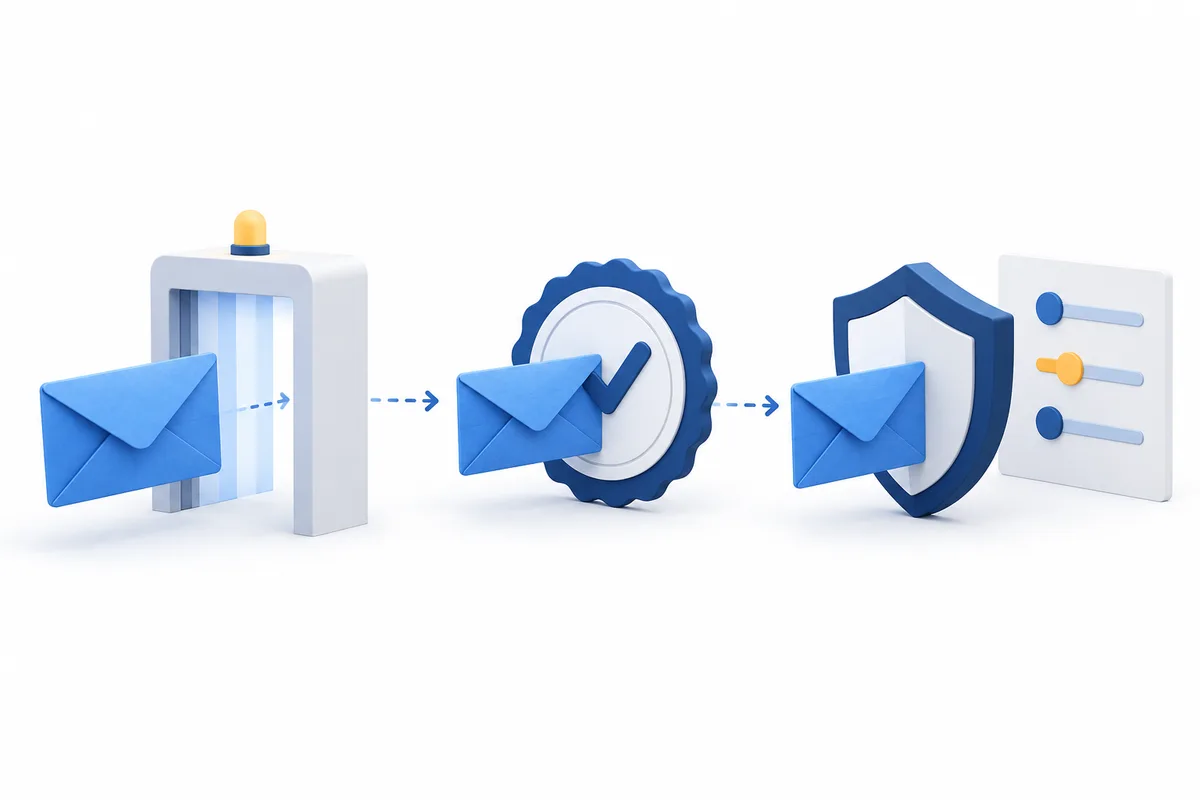
Which DNS records does your .at domain need for email sending? Understand SPF, DKIM and DMARC, enter the right values and test every sending service.
Read guide ↗
Müller or Mueller in your web address? Check the umlaut domain, its technical spelling and email use before publishing your new .at address.
Read guide ↗