A domain for your blog in Austria: plan a lasting address
Want to publish your blog under your own .at address? Plan the name, publishing system, existing links and ongoing costs before changing your address.
Read guide ↗Want your podcast to have its own .at address? Plan a name you can say aloud, lasting episode links and the RSS feed before connecting the domain.
You can use a .at domain as a lasting website address for your podcast. Registration does not provide audio storage or create a podcast feed. First check which custom-domain functions your website or podcast service supports. Record the website, RSS feed and individual episode links separately; changing the website does not automatically move existing subscriptions.
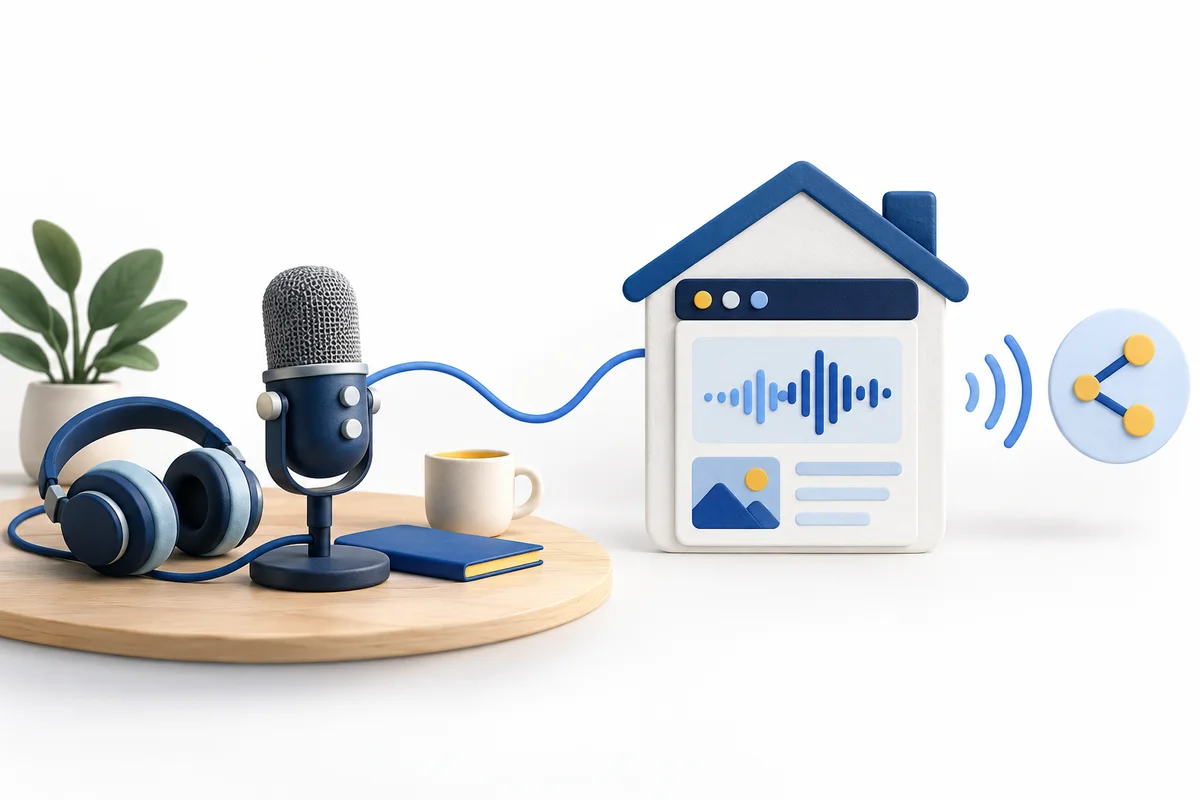
People often recommend a podcast in conversation or hear its address at the end of an episode. Say your preferred name aloud without showing it and ask another person to write it down. If you repeatedly need to explain a hyphen, number or unusual spelling, compare a simpler option. Consider whether the name will suit future seasons and guests too. For an Austrian audience, a .at address can fit naturally into the closing announcement. The ending alone does not prevent confusion with another project. Look for similar names and consider naming rights before finalising cover artwork or recording a permanent introduction.
Test your preferred domain name systematicallyCheck domain names and trade marks separatelyAsk your intended service whether a custom domain can be used for the website, the feed or both. Confirm the specific function and any additional cost. An embedded player does not establish that the feed will use your domain. A separate website can also point to audio stored elsewhere. We register your domain at atdomain.at and include DNS management with our default nameservers; custom nameservers are supported. We do not sell hosting, mailboxes, audio storage or podcast publishing services. Arrange those separately and collect their current connection instructions before changing DNS. Keep the responsibilities clear when different people manage the website and recordings.
Plan the domain separately from hostingWrite down the website you advertise, the actual RSS feed URL and one important episode link. A feed is a machine-readable document, so the website and feed need not share one address. W3C’s documentation points to RSS formats and common validation problems. Your initial task is to identify where visitors listen in a browser, where apps obtain updates and where an episode’s supporting page lives. Copy the feed address from the relevant management account. Do not guess a path such as /feed or replace an existing feed merely because the homepage has changed. Maintain this small inventory when your publishing arrangements change.
| Destination | Purpose | Check separately |
|---|---|---|
| Website | Introduction and listening options | Homepage and player |
| RSS feed | Subscriptions and episode information | Exact feed URL |
| Episode page | Notes and mentioned resources | Existing direct link |

A short supporting-page address can be easier to say aloud than a long link with many parameters. Choose a clear structure for episode pages and resources on your website, then document it. W3C encourages keeping web addresses stable over time. Ask your website service which short paths it supports; domain registration does not create those pages. Test a spoken link on a phone and let another person follow the announcement. When revising an episode, check its supporting page too. Older recordings should still lead to useful destinations after a redesign, rather than silently losing their specific information at a generic homepage.
Maintain destinations used in print and announcementsFirst establish which nameservers are active for your domain. Follow the chosen service’s current instructions in the DNS zone that actually controls the address. Save existing records and preserve any email connection already in use. A feed path is not a DNS record: DNS connects hostnames, while the web service supplies content under individual paths. Then test the final HTTPS address and any advertised www version. Resolve certificate warnings before promoting the address publicly. A newly registered domain does not make existing players, files or redirects work automatically. Keep a record of what you changed so that any unexpected result can be investigated precisely.
Find the active DNS management locationCheck HTTPS for the final addressBefore moving podcast services, export the material you need and record the current feed and available migration features. Agree with both services how existing subscriptions should continue. Retain the previous service until the planned transition demonstrably works. Use your own existing subscription to check a new episode, and separately try a fresh listening journey from the website. Check an older episode, its supporting text and actual audio playback. Do not change episode identifiers without an agreed migration plan. Feed validation helps with technical checking, but does not establish that every app has updated. Avoid promising an immediate, automatic move of all listeners; verify the paths your project actually uses.
Prepare a website move while keeping the domain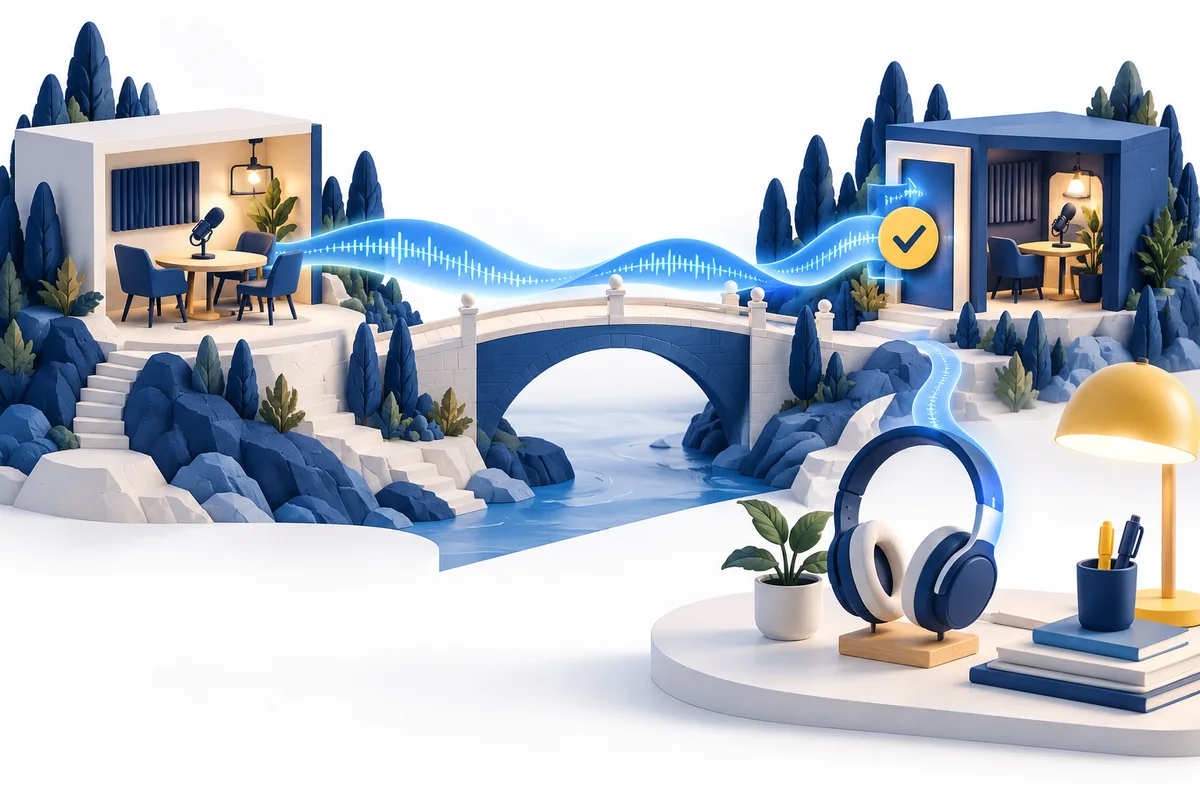
A standard new .at domain costs €12.99 total for the first year with us; renewal currently costs €15.99 total per additional year. The 3-year plan for new .at domains costs €39.00 total, including registration and two annual renewals without further payment. It saves €5.97 against €44.97 with annual payments at today’s prices. It does not apply to transfers or existing-domain renewals. Distinguish the account’s prepaid-through date from its annually updated technical expiry. After the included term, arrange renewal in good time at the price then offered; there is no automatic card charge. Website and podcast services have their own separate costs.
Review current total prices and termsDecide who controls the domain and who maintains the website and feed. Before ordering, review the spelling, supported service functions and complete total. An availability result does not reserve a domain; after ordering, check confirmed registration in your account. Then connect the services you have planned. Before recording the first public announcement, follow the entire website, episode-link and subscription journey. Keep the responsible accounts and next domain renewal in your project notes. The address should remain manageable during a publishing break or a later technical change, with responsibilities clear to anyone who takes over the project.
Check availability of your .at podcast addressFind help with domain management
Want to publish your blog under your own .at address? Plan the name, publishing system, existing links and ongoing costs before changing your address.
Read guide ↗
Changing your website builder or planning a relaunch? Keep your .at address and prepare DNS, page URLs and email before switching the website connection.
Read guide ↗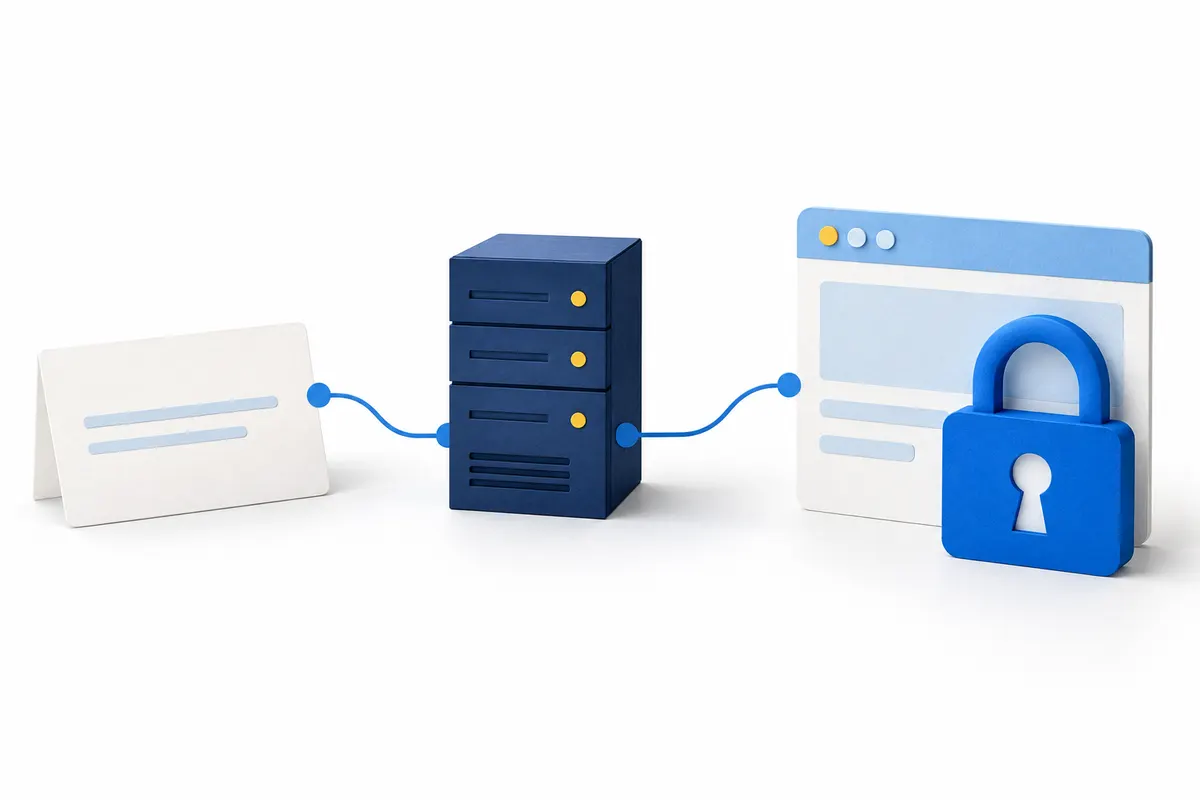
Your .at domain is registered, but the browser displays a certificate warning? Separate registration, DNS and HTTPS so you can find the right place to complete the setup.
Read guide ↗