Domain or URL? What you register for your .at website
Ready to order a .at address but looking at a long website link? Separate the domain, page path and extra details so you search for the right name and plan the right connection.
Read guide ↗Can your .at address use capital letters on a business card? Learn which case changes leave the domain unchanged and which parts of website links and email addresses need an exact copy.
Uppercase and lowercase are not distinguished for a .at domain. Capitalising the same name therefore does not create a second domain to register. Other rules apply to a complete website link and the part of an email address before @. Copy those details unchanged from the responsible service and check the address you intend to publish before printing.
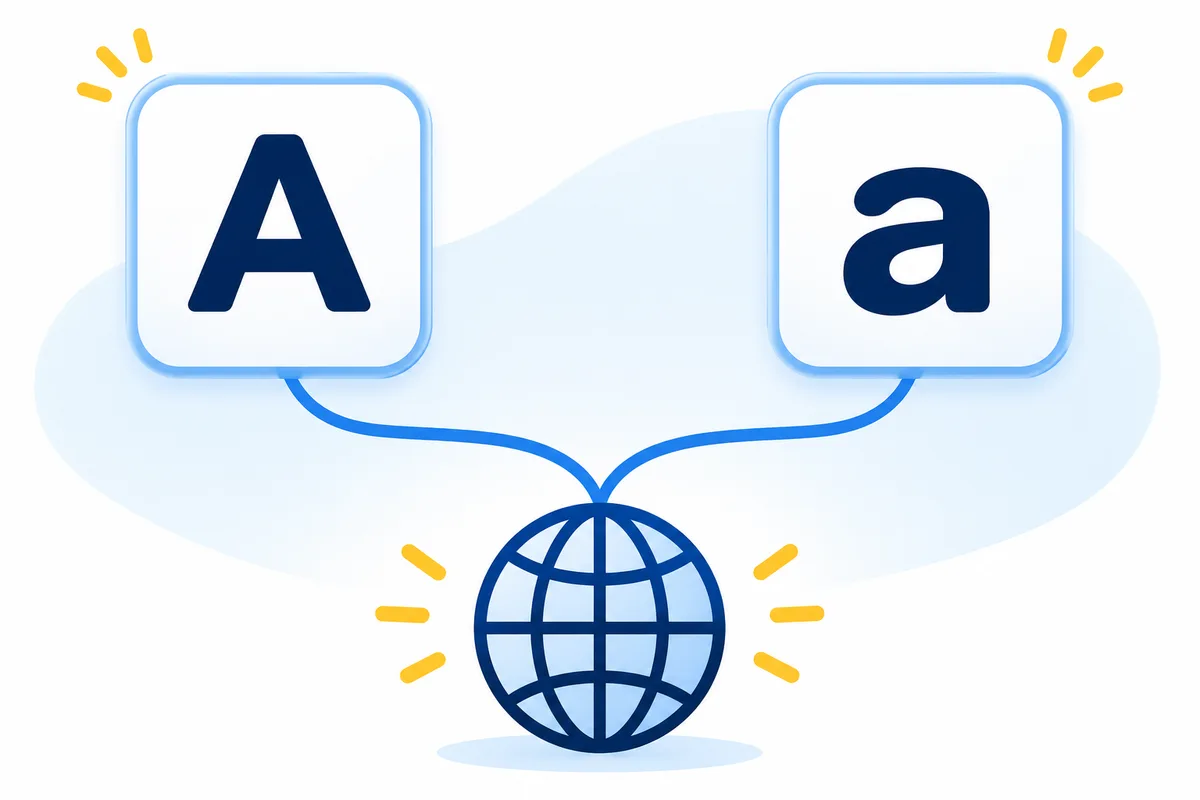
You are preparing a business card for an Austrian workshop. The design says MeineWerkstatt.at while the account shows meinewerkstatt.at. These spelling examples differ only in capitalisation; they do not indicate whether that name is available. Section 3 of nic.at’s current registration guidelines does not distinguish uppercase and lowercase for .at. You therefore do not need to buy an additional capital-letter version. Instead, check that the sequence of letters, hyphens and ending is correct. Discovering an extra letter would be a different issue.
Search for a .at domain and check the exact nameCapitalisation can visually divide a long name on a poster. It does not create technical word boundaries or insert characters. A lowercase account display likewise does not turn your domain into a different name. The DNS standard specifies matching uppercase ASCII letters A–Z with their lowercase counterparts a–z. This is a name-resolution rule. It does not mean that every component of a longer address can safely be rewritten. When checking artwork, separate the registered domain from the remaining parts of the web address and from any email address printed next to it. Keep a reference copy for each item.
| Item | Practical publication rule |
|---|---|
| Domain using ordinary letters a–z | Capitalisation does not create separate .at registrations |
| Path after the domain | Copy the published spelling unchanged |
| Email address before @ | Use the spelling configured by the mail service |
A link may also contain a path such as /Angebot. Do not change that to /angebot without checking. RFC 3986 treats the host and scheme without case distinctions; differences in other components can matter. Whether two path variants open the same page depends on your website service’s configuration. Copy the working public link from the website, then test the exact link in your print artwork. If only a differently capitalised path fails, another domain registration is not the repair. Ask the person responsible for the website whether the artwork needs correcting or a targeted redirect should be configured.
Investigate a broken subpage link
In kontakt@meinewerkstatt.at, the domain is the part to the right of @. The receiving mail service determines the meaning of the part before it. The SMTP standard requires preserving that part’s case while discouraging the creation of different mailboxes based on capitalisation. Do not assume an address you have rewritten will be handled identically everywhere. Use the spelling confirmed by the mail service in signatures and contact forms. Also inspect the destination stored in a clickable email link: the visible contact text alone does not always reveal its actual recipient. Limit sending checks to your own addresses or recipients who have agreed to the test.
Plan mailboxes and aliases under one domainThe choice between A and a is different from choosing an umlaut or its expanded spelling. Do not automatically replace ä with ae and assume you are using the same name. Copy special characters from the domain you actually intend to use and check support for your intended applications. An internationalised domain may also have a technical representation starting with xn--. That needs its own explanation; it is not by itself evidence of an incorrectly registered domain. Avoid inventing conversion rules for similar-looking characters from different alphabets. If you are unsure, compare the exact order with your domain documents before publishing the address.
Choose an umlaut domain and an expanded alternative deliberatelyFor the final check, place three items side by side: the plain domain name, the complete working website link and the confirmed email address. Ask a second person to type the printed address without copying it from your artwork. Separately inspect the clickable link or the destination encoded in a QR code. Check that it opens your expected website and intended subpage. If something fails, note the precise variant and visible message. Do not switch nameservers because of a typography question. This check also requires no repeat payment or precautionary second order. First establish which part of the published information differs.

Consistent lowercase for the domain is a simple working convention for copyable web addresses. In a logo you can highlight word beginnings if that makes the address clearer. Assess the design without its logo, in small print and when read aloud over the phone. Capital letters do not repair an ambiguous sequence of characters or a hyphen that is difficult to explain. For longer links, retain the verified technical spelling and avoid renaming existing page paths merely to make a business card look tidier. Record which artwork was approved and where it is used. This helps with later corrections across signatures, quotations and printed material.
A standard new .at domain at atdomain.at currently costs €12.99 total for the first year, with renewal at €15.99 total per additional year. You do not need a second order for the same domain solely because of different capitalisation. DNS management with our default nameservers and custom nameservers are supported. Arrange hosting and email mailboxes separately; we do not sell those services. If you actually want a different sequence of letters or another ending, check it as a separate address together with its recurring costs. Save the exact name before paying and keep your order documents afterwards so the design and registration remain aligned.
See current .at total prices and domain search
Ready to order a .at address but looking at a long website link? Separate the domain, page path and extra details so you search for the right name and plan the right connection.
Read guide ↗
Müller or Mueller in your web address? Check the umlaut domain, its technical spelling and email use before publishing your new .at address.
Read guide ↗
Use a .at address for QR codes on cards, posters or menus. Plan the destination, redirects, final print checks and ongoing domain costs before publishing.
Read guide ↗